Discover Phomemo thermal printers and label makers for home organization, creative projects, shipping, study, and small business tasks with compact, wireless, ink-free printing options.
Printing does not always require a large desktop machine. For labels, stickers, notes, shipping materials, and creative projects, a compact thermal printer can be a much simpler option. Phomemo focuses on this type of printing, offering mini printers, home label makers, business label makers, shipping printers, portable printers, and other devices for different everyday needs.
This Phomemo review takes a closer look at the brand's product range, how its printers differ, useful features, and what shoppers should check before choosing a model.
Brand Overview
Phomemo is a printing brand built around thermal technology and compact devices. Its current catalog includes mini printers, home label makers, business label makers, shipping label printers, portable printers, tattoo stencil printers, and instant cameras.
The brand's biggest advantage is variety. Someone who wants a pocket printer for journaling needs a different device from an online seller who prints dozens of shipping labels each day. Phomemo separates its products into categories so shoppers can start with the task they need to handle and then choose a suitable model.
Many Phomemo printers use direct thermal printing, which works with heat-sensitive paper rather than conventional ink cartridges. This means users need compatible thermal paper instead of ink or toner.
Mini Printers for Notes, Stickers, and Creative Projects
Phomemo's mini printer collection is aimed at portability. Current models include the T02, M02, M02 Pro, M02S, M04S, M04AS, T02 Pro, M03C, and P3M.
These compact printers can be useful for:
- Journaling and scrapbooking
- Planner decorations
- Study notes and flashcards
- Small stickers
- Labels
- DIY crafts
- Travel printing
- Personal photo projects
The T02 is positioned as an accessible mini printer, while the M02 series offers additional options for users who want different paper sizes and features. Phomemo states that its mini printers connect to smartphones through Bluetooth and can print monochrome images, notes, stickers, and labels.
For shoppers who need wider printing, the M04S supports 53mm, 80mm, and 110mm paper and can connect to a computer. The M04AS supports wider formats as well, but its connectivity differs from the M04S.
This distinction matters because a pocket-sized printer may be perfect for small labels but less practical if you regularly need wider prints.
Home Label Makers for Everyday Organization
A label maker can be surprisingly useful around the home. It can help organize storage boxes, pantry containers, school supplies, office materials, cables, and other everyday items.
The Phomemo D30 is one of the brand's compact Bluetooth label makers. It connects with Android and iOS devices through the Print Master app and uses thermal printing, so there is no need for traditional ink cartridges. The current product information lists a 203 dpi resolution, 153g weight, 1,000mAh battery, and printing speeds of approximately 15 to 20mm per second.
The D30 can be a practical choice for users who want a small device that can move between rooms or travel with them. Its app also provides templates and customization tools for creating labels rather than relying on basic text alone.
Phomemo's wider home label maker selection includes models such as the A30, P12 Pro, P15, and D50, giving shoppers additional designs and paper-size options.
Business Label Makers for More Flexible Printing
Small businesses often need labels for products, inventory, packaging, and organization. Phomemo offers a separate business label maker range with models including the M110, M120, M200, M220, M221, and M250.
These printers are designed for users who need more flexibility than a basic home label maker can provide. Before selecting one, it is worth checking supported label widths, connection methods, battery capacity, print speed, and whether the printer works with the software you already use.
For a small online store, these details can make a real difference. A printer that works well with your workflow is more valuable than a model with features you rarely use.
Shipping Label Printers for Online Sellers
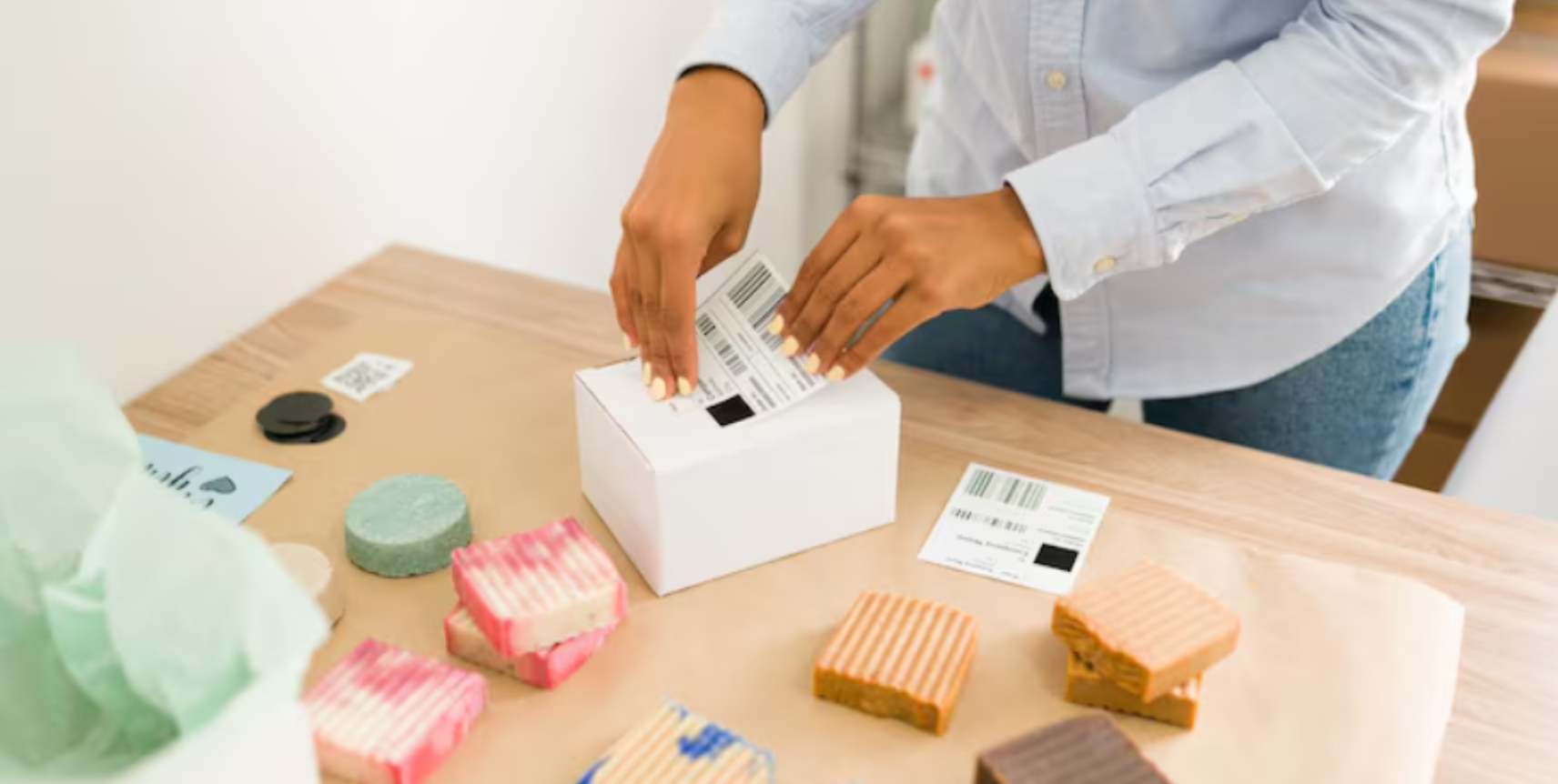
Phomemo also offers dedicated shipping printers for businesses and individuals who regularly send packages. Its current shipping collection includes the PM241-BT, PM64D, PM344-WF, and D520-BT.
The PM241-BT uses USB and Bluetooth connections, while the PM344-WF adds Wi-Fi connectivity and 300 dpi resolution. The PM64D includes a touchscreen and is designed to print standard 4 x 6 inch shipping labels quickly.
Phomemo states that its shipping printers can work with major shipping platforms and services including Amazon, Shopify, UPS, FedEx, USPS, and DHL, depending on the model and setup.
The brand also sells compatible 4 x 6 inch thermal labels in rolls and fan-fold formats. This makes it easier for regular sellers to keep both the printer and its supplies within the same product ecosystem.
Which Phomemo Printer Fits Your Needs?
The simplest way to choose is to start with what you plan to print most often.
| Your Main Need | Phomemo Category to Consider | Key Features |
|---|
| Journaling and stickers | Mini printer | Compact size, Bluetooth |
| Home organization | Home label maker | Custom labels, portable design |
| Product labeling | Business label maker | Flexible label sizes |
| Online shipping | Shipping label printer | 4 x 6 inch labels, multiple connections |
| Wider portable printing | M04S or M04AS | Support for wider paper |
Paper compatibility should also be part of your decision. Phomemo offers different thermal paper types, including standard paper, sticker paper, transparent options, and shipping labels. The company provides a model-based compatibility search to help users find suitable paper.
What to Check Before Buying
A printer can look appealing on paper and still be unsuitable for your particular workflow. Before ordering, check the following:
- Paper size: Make sure the printer supports the width you need.
- Connectivity: Check whether you prefer Bluetooth, USB, Wi-Fi, or a combination.
- Operating system: Confirm compatibility with your phone, tablet, or computer.
- Print resolution: Higher resolution can be useful for smaller text and detailed graphics.
- Portability: Consider weight and battery capacity if you plan to carry the device.
- Paper costs: Thermal printers do not need ink, but you still need compatible paper or labels.
This last point is easy to overlook. A printer's initial price is only part of the ownership cost, especially if you print frequently.
FAQs
What is Phomemo best known for?
Phomemo is best known for compact thermal printers and label makers designed for creative projects, home organization, business labeling, shipping, and portable printing.
Do Phomemo printers need ink?
Many Phomemo models use direct thermal printing, so they do not require traditional ink cartridges or toner. They use compatible heat-sensitive thermal paper instead.
Can Phomemo printers connect to smartphones?
Yes. Many mini printers and label makers connect to smartphones through Bluetooth and use Phomemo apps for designing and printing. Exact compatibility depends on the model.
Which Phomemo printer is suitable for shipping labels?
Phomemo's dedicated shipping label printers are designed for this purpose. Models such as the PM241-BT, PM64D, PM344-WF, and D520-BT are listed in the brand's shipping printer collection.
Phomemo offers a broad range of thermal printing devices, making the brand useful for more than simple label making. Its mini printers suit journaling, study, stickers, and portable projects, while home label makers focus on organization. Business and shipping models address more regular labeling requirements.
The best model depends on your actual printing needs. Consider the paper size, connection options, portability, resolution, printing speed, compatible supplies, and intended use before making a decision. When these details match your routine, a compact thermal printer can make everyday printing much more convenient.
For more Home & Tech tips, check out EliteCart.